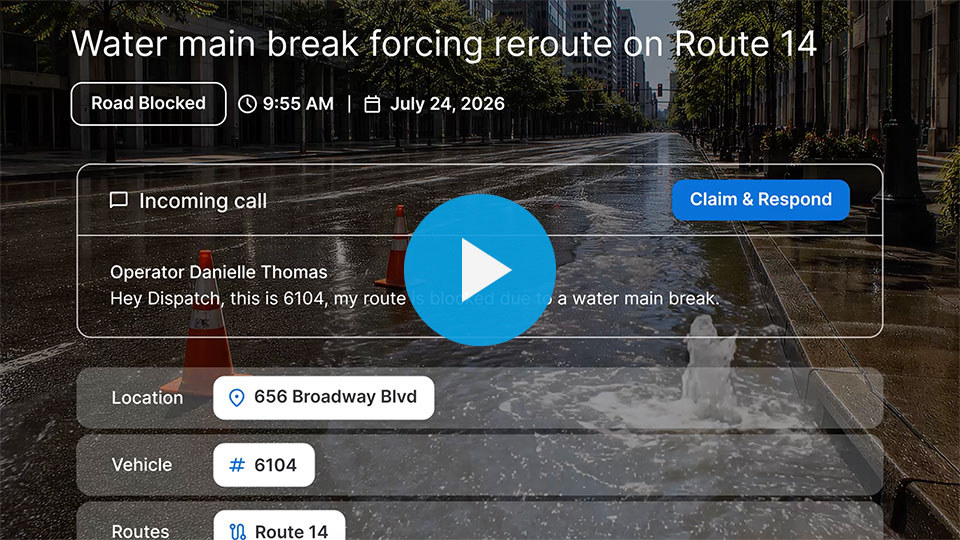
Every shift, operations teams face urgent decisions that maintain transit service—detours around incidents, canceled trips, closed stops. While staff make sound decisions, legacy CAD/AVL systems often cannot keep pace.
Entering a single adjustment into legacy systems can be slow, clunky, or impossible for certain disruption types. Even when entered, information rarely reaches all necessary stakeholders. This creates different problems across agencies:
- Operators begin shifts with static route information and no real-time detour updates, requiring radio dispatch guidance when plans change
- Riders often learn about disruptions last, if at all, leaving them waiting for buses that won't arrive
- Customer service and communications teams lack visibility into live disruptions, limiting their ability to answer rider questions
- Planners and schedulers cannot distinguish between intentional service changes and actual disruptions, complicating future planning
These challenges occur amid financial constraints, where agencies must accomplish more with fewer resources, wasting both staff time and eroding rider trust.
The ideal solution
Agencies need tools to enter adjustments quickly and accurately, streamline communication with customer service and operators, and ensure riders receive complete service information.
Swiftly Service Adjustments is the only solution in the market that can deliver on all of the above—adjustments propagate instantly across Swiftly's Transit Data Platform, delivering:
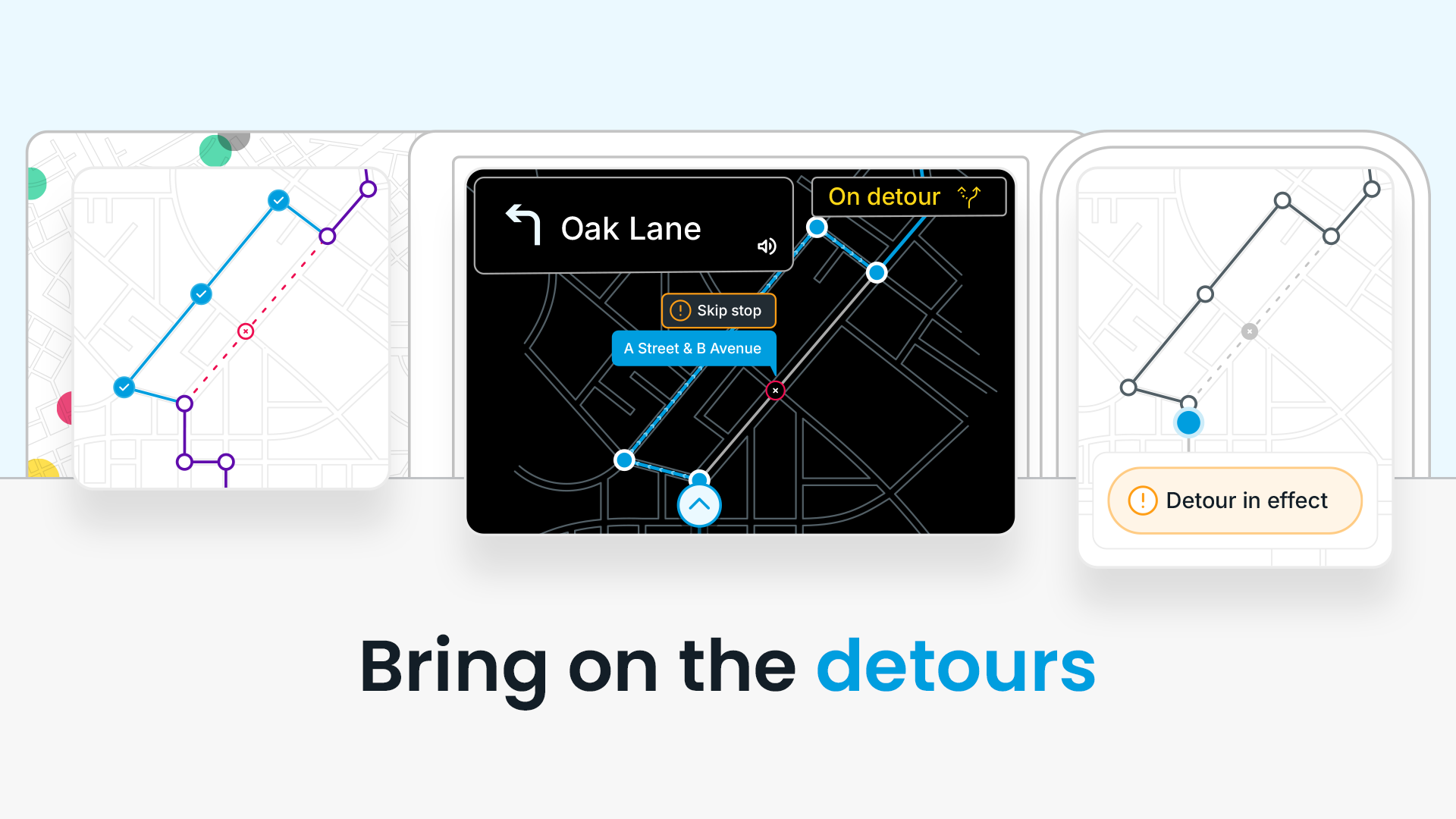
- Navigation in Onboard App: Real-time turn-by-turn directions update immediately when dispatchers enter adjustments, eliminating radio delays and guesswork
- Templated Rider Alerts: Auto-generated, pre-approved alert text ready for publication in a single click
- Real-Time Passenger Predictions: Detour-aware ETAs that update automatically, ensuring riders never wait at eliminated stops
“Before having Swiftly Service Adjustments, creating a detour at Straeto took up to 30 minutes. Now, it takes less than 5 minutes, saving 210+ hours per year.”
Three new capabilities
1. Detour drawing enhancements
Quick, accurate entry determines the quality of information reaching riders, operators, and staff. Rebuilt detour drawing tools feature:
- A smoother mapping interface
- Accurate detour paths via snap-to-street drawing
- Helpful undo/redo functionality
The result of precise, rapid entry: correct turn-by-turn routes for operators, reliable information sources for agency staff, and accurate real-time information for riders. The result of slow or error-prone entry: frustrated operators, negative rider experiences, and customer service calls.
“When disruptions occur, reroutes can span many miles across the region. The new snap-to-street feature in Service Adjustments, paired with Swiftly's existing Trip-Modifications support, allows us to provide visual detours to riders in Transit faster than ever.”
—SMART
2. Shareable detour directions
Users can now generate exportable turn-by-turn directions from the Dashboard, fitting two distinct needs:
- Advance preparation: Print directions before shifts so drivers can review routes in advance, minimizing mistakes and preventing surprises once operations begin
- System integration: Copy and paste directions into existing tools and workflows, closing gaps so all downstream systems reflect changes
3. Ingest cancellations, Trip-Modifications, and skipped stops
Service Adjustments now pulls data from:
- Cancellations via GTFS-rt or bulk API
- Detour shapes and temporary stops via the Trip-Modifications standard
- Skipped stop information
Data entered into existing operational systems automatically flows to riders and staff through familiar channels, without changing team workflows. This generates accurate, disruption-aware predictions and complete historical records.
The agency that acts as one
A single Service Adjustments entry reaches riders, operators, customer service, and analytics simultaneously because all components operate on the same data engine. Swiftly's Transit Data Platform maintains one authoritative version of the truth, powering every product that touches service adjustments.
“With detours happening almost daily…keeping passengers informed is a top priority. Today, our Operations staff can draw detours directly in our system, and Swiftly automatically updates real-time predictions, displays detour paths in the Transit app, and sends out templated rider alerts. This streamlined process allows our Operations team to work more efficiently, spend less time on data entry, and communicate detours to passengers faster and more accurately.”
—TheBus
Modern transit agencies make decisions in operations control centers that are entered easily, communicated seamlessly, and trusted everywhere.